Memory is used for temporary data processing, while storage keeps data permanently 💾🧠
Many users get confused when they hear difference between memory and storage while using a phone, laptop, or even apps like Google, YouTube, or Instagram.
In simple words, memory and storage both deal with data, but they are NOT the same thing. The difference between memory and storage becomes clear when you understand how your device thinks and saves information in real time.
When people ask “why is my phone slow?” or “why is storage full but RAM is free?”, they are actually touching this concept. In this guide, we will break down the difference between memory and storage in a very simple, human-friendly way.
You’ll also learn how computers, smartphones, and apps like Meta platforms manage both systems differently.
We will cover what memory is, what storage is, why both exist, how they work together, real-world examples, and common mistakes users make. By the end, you will never confuse the difference between memory and storage again.
🟢 Difference Between Memory and Storage
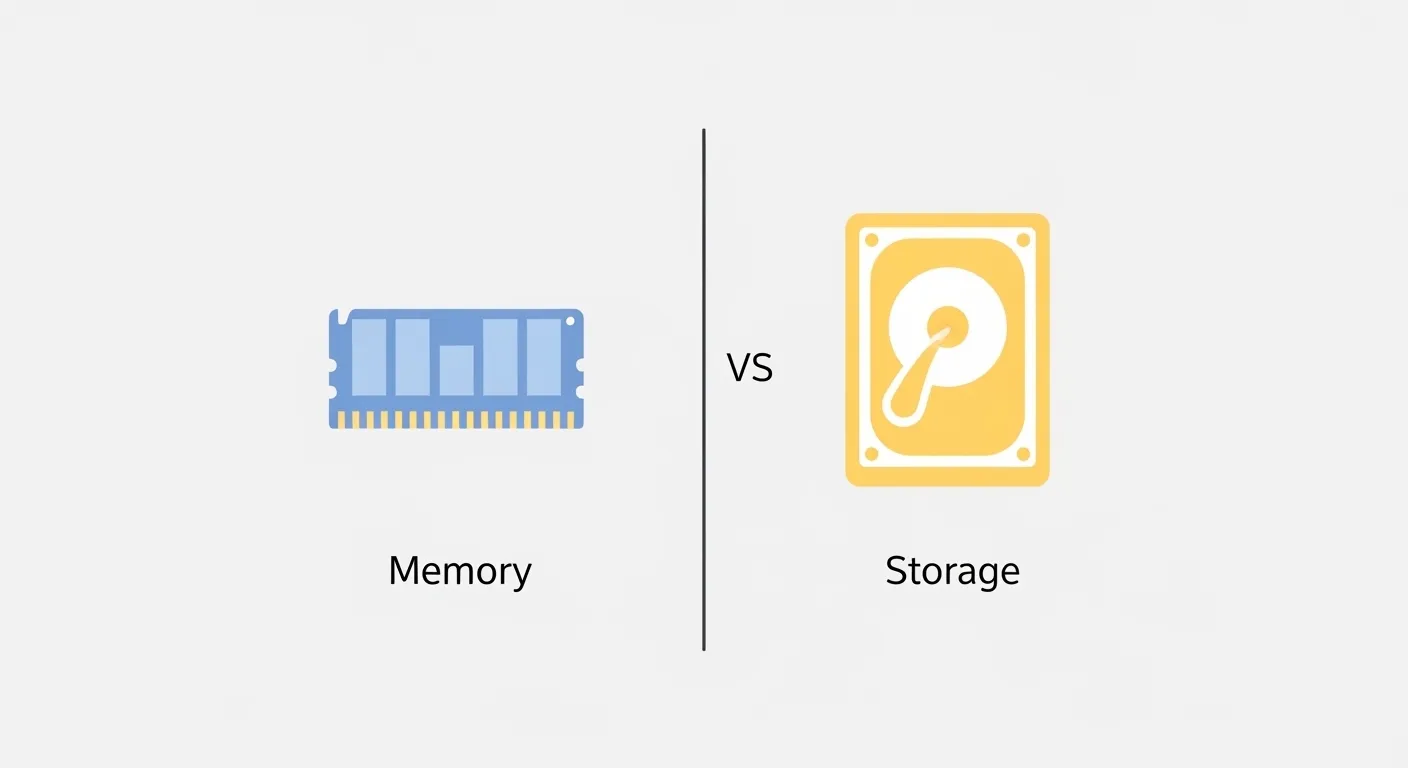
Memory is the short-term working space of a device (used while tasks are running), while storage is the long-term space where data is saved permanently.
For example, RAM is memory, and your phone’s internal drive is storage.
Definition of Memory and Storage
- Memory (RAM): Temporary working space used by a device to run apps and processes. It clears when power is off.
- Storage (HDD/SSD): Permanent space where files, apps, photos, and videos are saved even after shutdown.
Example: When you open YouTube, it loads into memory, but your downloaded videos stay in storage.
🟢 Pronunciation
- Memory: /ˈmem.ə.ri/ (US & UK)
- Storage: /ˈstɔːr.ɪdʒ/ (US & UK)
Now that the basics are clear, let’s deeply understand the difference between memory and storage with real-world logic.
Memory vs Storage Comparison
| Feature | Memory (RAM) | Storage (SSD/HDD) | Similarity |
| Purpose | Runs active tasks | Stores files permanently | Both handle data |
| Speed | Very fast | Slower than RAM | Both process data |
| Volatility | Temporary | Permanent | Both essential for system |
| Usage | App execution | File saving | Both support apps |
| Capacity | Smaller (GB) | Larger (GB/TB) | Both measurable |
| Power dependency | Clears on shutdown | Data stays saved | Both electronic |
| Example | Running Chrome | Saving photos | Both used in phones |
🟢 Key Differences Between Memory and Storage
1. Temporary vs Permanent
Memory is temporary and clears when the device shuts down, while storage keeps data forever.
Example: Your WhatsApp messages are saved in storage, but opened chats use memory.
2. Speed Difference
Memory is extremely fast because it supports active processes. Storage is slower because it holds large files.
3. Function Role
Memory helps apps run smoothly; storage keeps them installed.
4. Size Difference
Memory is smaller (like 4GB, 8GB), storage is larger (128GB, 512GB, 1TB).
5. Cost Factor
Memory is more expensive per GB compared to storage.
6. Real Usage
When you open Instagram (Meta platform), it loads into memory, but your posts, reels, and data stay in storage.
What is Memory in Computer Systems?
Memory (RAM) acts like your brain’s short-term thinking space. It temporarily holds data needed for current tasks.
Why memory exists:
Computers need fast access to active data, so RAM was designed.
Real-world use:
- Opening Chrome tabs
- Editing documents
- Gaming performance
Without memory, systems would become extremely slow.
🟢 What is Storage in Devices?
Storage is your device’s long-term filing cabinet. It keeps everything safe even when the device is off.
Where it is used:
- Phones (photos, videos)
- PCs (software files)
- Cloud systems like Google Drive
Example:
YouTube downloads are saved in storage, not memory.
Why Memory and Storage Both Exist
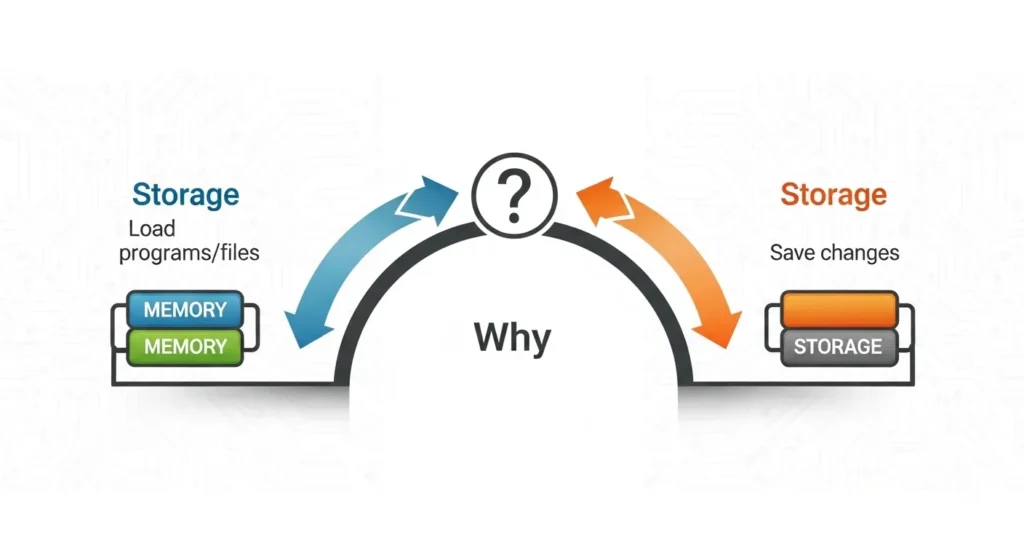
Devices need both because they serve different roles:
- Memory = speed & performance
- Storage = long-term saving
Without memory → system becomes slow
Without storage → nothing can be saved
🟢 Difference Between Memory and Storage
- Usage type: Memory handles active tasks, storage handles saved files
- Access speed: Memory is faster
- Data life: Memory is temporary, storage is permanent
- System role: Memory supports CPU processing
- User interaction: Storage holds user data
- Example apps: Chrome uses memory, Google Drive uses storage
Real-Life Examples
- Personal use: Watching Netflix uses memory; downloaded movies use storage
- Business use: Excel files stored in storage, calculations use memory
- Industry use: AI tools like ChatGPT process queries in memory
- Gaming: Game runs in memory, saved progress stored in storage
- Social media: Instagram feed loads in memory, posts stored in storage
🟢 When to Use Memory vs Storage
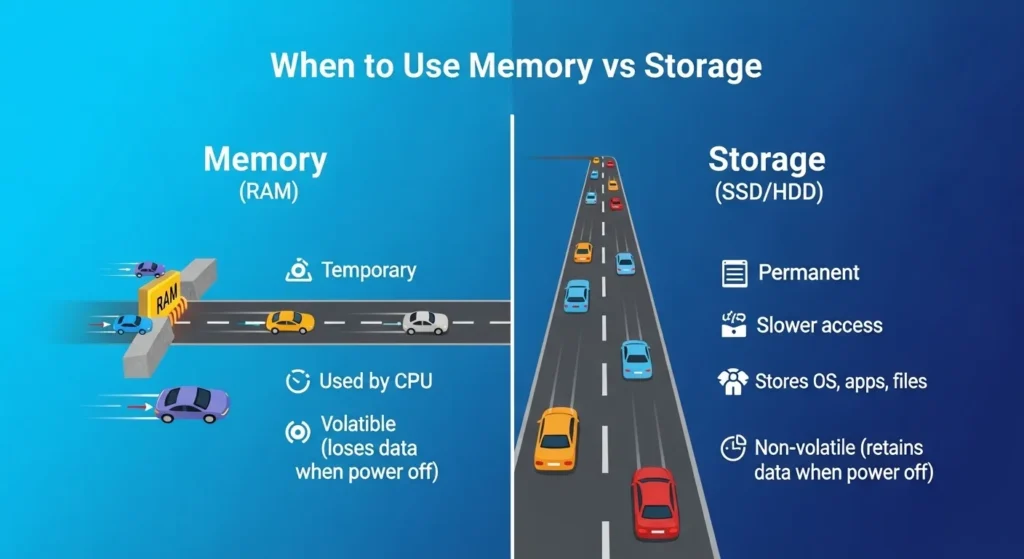
- Use memory when running apps or multitasking
- Use storage when saving files, photos, or apps
Simple rule:
👉 Running = Memory
👉 Saving = Storage
Why People Get Confused
Many users think RAM and storage are the same because both are measured in GB.
Other reasons:
- Marketing confusion in smartphones
- Terms used interchangeably in ads
- Lack of technical awareness
- Cloud storage misunderstanding (Google Drive, iCloud)
🟢 How Search Engines Understand This Topic
Google and platforms like YouTube or Meta classify this query as an informational comparison. They detect:
- “difference between” intent
- device performance interest
- beginner-level tech understanding
Search engines prioritize clear explanations, tables, and examples because users want quick clarity, not technical jargon.
Expert Insight
From a system performance perspective, memory and storage are optimized separately in modern computing architectures. As someone experienced in IT systems and digital optimization, the key insight is simple: improving RAM boosts speed, but upgrading storage increases capacity.
Most beginners try to fix “slow phone” issues by deleting files, but real performance improvement often comes from memory optimization not storage cleaning.
🟢 Common Mistakes
- Thinking RAM and storage are the same
- Deleting files to fix speed issues
- Ignoring background apps consuming memory
- Confusing cloud storage with RAM
- Buying high storage instead of better RAM
Fix: Understand system roles before upgrading devices.
🟢 FAQs
1. What is the main difference between memory and storage?
Memory is temporary working space; storage saves data permanently.
2. Is RAM memory or storage?
RAM is memory.
3. Does storage affect speed?
Indirectly, but memory affects speed more.
4. Why is RAM faster than storage?
Because it is designed for real-time processing.
5. Can a phone work without storage?
No, it needs storage to install apps and save data.
6. Does deleting files increase RAM?
No, it only frees storage.
7. What happens when memory is full?
Apps slow down or crash.
🟢 Conclusion
The difference between memory and storage is one of the most important concepts in understanding how digital devices work.
Memory is the short-term workspace that helps your apps run smoothly, while storage is the long-term space where everything is saved permanently.
If you remember one simple idea, it should be this: memory controls speed, storage controls capacity. Both are essential and work together to make your phone, computer, or apps function properly.
Most confusion comes from similar terms and marketing language, but once you understand real-world usage, the difference between memory and storage becomes very easy to grasp. Whether you’re using Google services, Instagram, or gaming apps, both systems silently work behind the scenes to deliver smooth performance.
Read more about!
Difference Between Broker and Realtor: Full Guide

I have learned from Hugh Johnson, a renowned British wine writer and historian, who makes wine knowledge easy for general readers. Through his influential book The World Atlas of Wine, I explore wine regions, production techniques, and the cultural significance of beverages like Champagne and Prosecco.