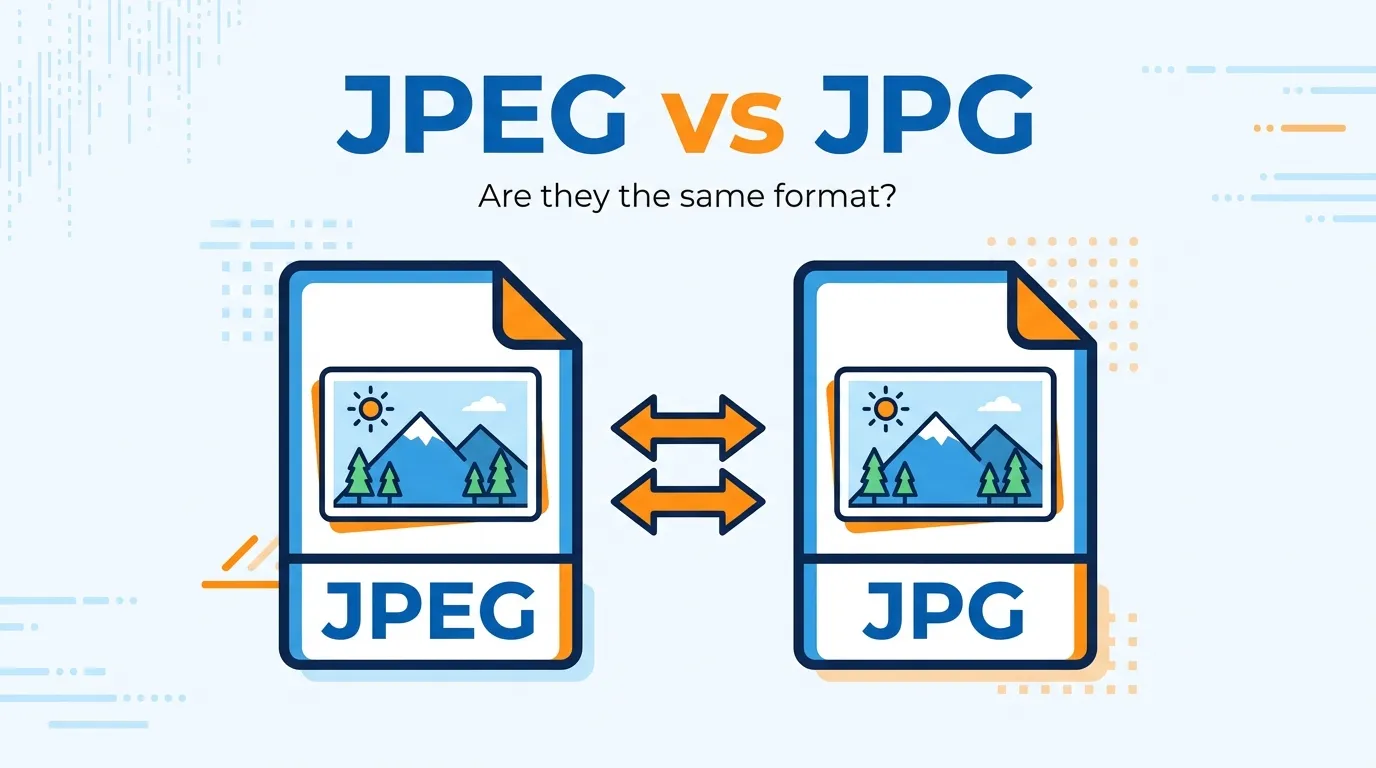
🖼️ JPEG and JPG are exactly the same image format “JPG” is simply a shorter version of “JPEG” used by older Windows systems 😊
Many users search for the difference between JPEG and JPG because both file extensions appear everywhere on cameras, websites, smartphones, and platforms like Google Photos, Instagram, and Meta apps. At first glance, JPEG and JPG seem different, and many people assume one offers better image quality or smaller file size.
In reality, the difference between JPEG and JPG is almost nonexistent. Both refer to the same image format created by the Joint Photographic Experts Group. The confusion mainly comes from old Windows operating systems that only supported three-letter file extensions.
In this guide, you will learn the real difference between JPEG and JPG, how the format works, where each extension is used, why people still get confused, and which one you should use today for websites, social media, photography, and business projects.
Difference Between JPEG and JPG
The difference between JPEG and JPG is only the file extension name.
- JPEG uses “.jpeg”
- JPG uses “.jpg”
Both formats are identical in image quality, compression, colors, and compatibility.
For example, a photo saved as image.jpeg and image.jpg will look exactly the same on Google Chrome, Windows, macOS, Android, or social media platforms like YouTube and Instagram.
Definition of Difference Between JPEG and JPG
- JPEG: A commonly used image compression format developed for digital photography and web images. It usually uses the .jpeg extension.
- JPG: A shortened version of JPEG created mainly for older Windows systems that supported only three-letter file extensions.
Example:
photo.jpeg and photo.jpg are technically the same image format.
Pronunciation
| Term | US Pronunciation | UK Pronunciation |
| JPEG | “JAY-peg” | “JAY-peg” |
| JPG | “JAY-pee-gee” or “JAY-peg” | “JAY-pee-gee” |
Now that the basic confusion is clear, let’s understand why these two names still exist and how they became common across the internet.
Difference Between JPEG and JPG Comparison
| Feature | JPEG | JPG | Similarity |
| Full Form | Joint Photographic Experts Group | Shortened version of JPEG | Both represent the same format |
| File Extension | .jpeg | .jpg | Both open the same way |
| Image Quality | Same quality | Same quality | No visual difference |
| Compression | Same lossy compression | Same lossy compression | Identical compression engine |
| File Size | Similar | Similar | No practical difference |
| Device Compatibility | Fully supported | Fully supported | Works on modern systems |
| Usage Today | Common on Mac/Linux | Common on Windows | Both accepted online |
| Web Support | Supported by browsers | Supported by browsers | Equal and performance value |
Key Differences Explained Between JPEG and JPG
1. The Name Length Difference
The biggest difference between JPEG and JPG is simply the number of letters.
Older Windows systems used only 3-letter extensions, so .jpeg became .jpg.
Example:
Windows 95 commonly saved files as .jpg.
2. No Quality Difference Exists
Many beginners think JPEG provides higher quality than JPG. That is incorrect.
Both use the exact same compression algorithm.
In practical use, exporting a photo from Adobe Photoshop as JPG or JPEG gives identical results.
3. Historical Operating System Influence
The JPG extension became popular because of older Microsoft Windows limitations.
Meanwhile, macOS and Linux systems often kept the original .jpeg name.
This is why both versions still exist online today.
4. Website and Usage
Search engines like Google treat JPG and JPEG files equally.
For, image optimization matters more than extension type.
Important factors include:
- file size
- alt text
- image dimensions
- loading speed
5. Social Media Platforms Accept Both
Platforms such as Instagram, Facebook, and YouTube accept both JPG and JPEG uploads without issue.
Users usually never notice any difference.
6. Compression Works the Same Way
JPEG/JPG uses lossy compression.
That means some image data is removed to reduce file size.
This helps websites load faster while keeping images visually attractive.
What Is JPEG and How Does It Work?
JPEG is one of the most widely used image formats in the world.
It was designed for:
- digital photography
- websites
- social media
- email attachments
- online stores
The format compresses image data to create smaller files without making photos look noticeably bad.
This balance between quality and file size made JPEG the internet standard for decades.
In real scenarios, most smartphone cameras save photos in JPEG format automatically.
Why Was JPG Created?
This is where many users get confused.
Early Windows operating systems required file extensions with only three letters. Because “JPEG” had four letters, developers shortened it to “JPG.”
So:
- .jpeg → original extension
- .jpg → Windows-compatible version
Today, modern systems support both equally.
Is JPEG Better Than JPG?
No. JPEG is not better than JPG.
Both formats:
- use identical compression
- support the same colors
- have equal compatibility
- produce the same image quality
The only real difference is naming.
Many users still search “JPEG vs JPG quality difference,” but there is no technical advantage.
Difference Between JPEG and JPG in Real-World Usage
| Usage Scenario | Recommended Extension |
| Website images | JPG or JPEG |
| Photography | JPEG |
| Social media uploads | JPG |
| Business documents | Either |
| Email attachments | JPG |
| Graphic design exports | JPEG or JPG |
In practical use, most professionals choose whichever extension their software uses by default.
When Should You Use JPEG or JPG?
Use JPEG/JPG for:
- Blog images
- Social media content
- Product photos
- Website banners
- Digital photography
Avoid JPEG/JPG for:
- Transparent graphics
- Logos
- High-detail editing projects
For transparency, PNG works better.
For modern web performance, formats like WebP may be smaller.
JPEG vs JPG vs PNG vs WebP
| Format | Best For | Transparency | Compression Type |
| JPEG/JPG | Photos | No | Lossy |
| PNG | Logos & graphics | Yes | Lossless |
| WebP | Modern websites | Yes | Advanced compression |
Today, platforms like Google encourage WebP because it improves page speed.
However, JPEG/JPG still remains extremely popular because of universal compatibility.
Why People Get Confused Between JPEG and JPG
1. Different File Extensions
Seeing .jpeg and .jpg makes users think they are separate technologies.
2. Software Displays Different Names
Some apps save images as JPG while others use JPEG.
For example:
- Windows apps often use JPG
- macOS software may use JPEG
3. Online Tutorials Spread Myths
Many outdated articles incorrectly claim JPEG has better quality.
This misinformation still spreads across forums and social media.
4. Search Engine Curiosity
People naturally compare file formats while optimizing websites, YouTube thumbnails, or Instagram images.
That creates huge search demand for this topic.
Common Mistakes with Difference Between JPEG and JPG
| Mistake | Reality | Fix |
| Thinking JPEG is higher quality | Both are identical | Use either confidently |
| Assuming JPG is outdated | JPG is still widely used | No need to convert |
| Confusing extension with format | Extension name differs only | Learn the historical reason |
| Using JPEG for logos | JPEG loses sharp edges | Use PNG instead |
| Re-saving JPEG repeatedly | Quality reduces over time | Keep original files |
Real Life Examples with Difference Between JPEG and JPG
Personal Use
A smartphone photo saved as .jpg uploads perfectly to Instagram.
Business Use
An eCommerce store uses JPEG product images to reduce website loading time.
Industry Use
Professional photographers export wedding albums in JPEG because clients need universally compatible files.
Web Development
A blogger compresses JPG images to improve Core Web Vitals on Google search rankings.
How Search Engines Understand JPEG and JPG User Intent
Search engines understand that users searching:
- “difference between jpeg and jpg”
- “jpeg vs jpg”
- “is jpeg better than jpg”
all want the same informational answer.
Google focuses more on:
- image relevance
- file optimization
- loading speed
- alt text
- user experience
The extension itself does not improve rankings.
However, optimized JPEG images can help:
- faster loading
- better mobile performance
- improved engagement signals
This matters because slow images hurt and user satisfaction.
Expert Insight
In professional content publishing and web optimization, the real focus is not JPG vs JPEG naming. The focus is image efficiency.
Most beginners spend time worrying about extensions when they should actually optimize:
- compression quality
- dimensions
- responsive loading
- lazy loading
- image relevance
In real-world projects, properly compressed JPEG images often perform better than oversized PNG files because they load faster and improve user experience metrics.
That practical balance is why JPEG remains dominant even in 2026.
FAQs
Is there any real difference between JPEG and JPG?
No. Both are the same image format with different file extensions.
Which is better, JPG or JPEG?
Neither is better. Quality and compression are identical.
Why do some files use JPG instead of JPEG?
Older Windows systems supported only 3-letter extensions.
Does Google prefer JPG or JPEG?
No. Google treats both equally.
Is JPG outdated?
No. JPG is still commonly used worldwide.
Can I rename JPG to JPEG?
Yes. Changing the extension usually works because the format is the same.
Is JPEG good for websites?
Yes. JPEG is excellent for photos because it balances quality and file size.
Why do photographers use JPEG?
JPEG provides smaller file sizes while keeping visually strong image quality.
Conclusion
The difference between JPEG and JPG is far simpler than most people think. Both are the same image format created by the Joint Photographic Experts Group, and both deliver identical image quality, compression, and compatibility.
The only real distinction comes from history. Older Windows systems required three-letter file extensions, which led to the creation of .jpg as a shortened version of .jpeg. Today, modern devices, browsers, editing software, and platforms like Instagram, YouTube, and Google support both equally.
In practical use, users should focus less on the extension name and more on image optimization, loading speed, compression balance, and user experience. That is what truly matters for websites,, photography, and digital performance in 2026.
So if you were wondering if JPEG and JPG are different, the final answer is simple: they are effectively the same format with two different names.
Read more about!
Difference Between Mediation and Arbitration: Complete Guide
Difference Between Bachelors and Masters: Complete Guide