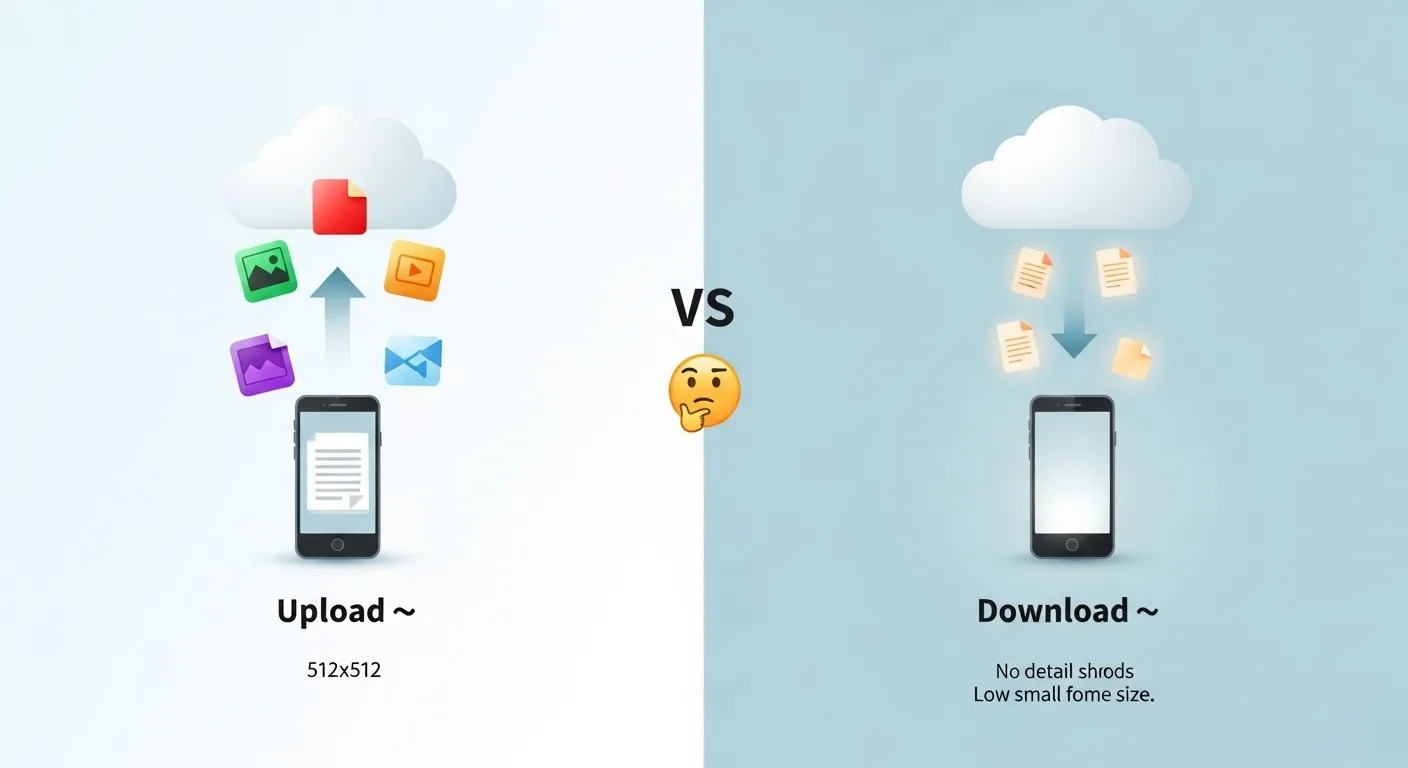
The difference between upload and download is that upload sends data from your device to the internet, while download receives data from the internet to your device 📤📥
Many users get confused about the difference between upload and download, especially when using apps like Google Drive, Instagram, or YouTube. In simple words, both terms are about transferring data but the direction changes everything.
The difference between upload and download is one of the most searched tech basics because it affects internet speed, file sharing, and daily online activities.
Whether you’re sending photos, watching videos, or backing up files, understanding this concept is essential.
In this guide, you’ll learn what upload and download mean, how they work, why they exist, and where they are used in real life without confusion.
🟢 Difference Between Upload and Download
The difference between upload and download is simple:
- Upload = Sending data from your device to the internet
- Download = Receiving data from the internet to your device
👉 Example:
Posting a photo on Instagram = Upload
Watching a video on YouTube = Download
🟢 Definition of Difference Between Upload and Download
- Upload: Transferring files (photos, videos, documents) from your device to a server or online platform.
- Download: Receiving files from a server or internet to your device for viewing or storage.
🟢 Pronunciation
- Upload (US/UK): /ˈʌp.loʊd/
- Download (US/UK): /ˈdaʊn.loʊd/
Now that the basics are clear, let’s understand the concept deeper with real-world logic and comparisons.
🟢 Upload vs Download: Detailed Comparison
| Feature | Upload | Download | Explanation |
| Direction | Device → Internet | Internet → Device | Core difference |
| Purpose | Share/send data | Receive/view data | Opposite functions |
| Speed | Usually slower | Usually faster | ISPs prioritize downloads |
| Example | Posting on Instagram | Watching YouTube video | Daily usage |
| Data Flow | Outgoing traffic | Incoming traffic | Network concept |
| Usage | Backup, sharing | Streaming, browsing | Different user actions |
| Internet Plan | Limited upload speed | High download speed | Real-world impact |
| User Intent | Share content | Consume content | Behavior difference |
🟢 Key Differences Explained Between Upload and Download
1. Direction of Data
Upload sends data outward, while download brings data inward.
👉 Example: Sending email attachment vs opening received file.
2. Speed Difference
Most internet providers give faster download speeds.
👉 Example: Streaming Netflix is smooth, but uploading a large video takes time.
3. Purpose
Upload is for sharing, download is for consuming.
👉 Example: Uploading content to YouTube vs watching videos.
4. Network Load
Uploads use outgoing bandwidth, downloads use incoming bandwidth.
👉 Important for gamers and streamers.
5. User Behavior
Most users download more than upload daily.
👉 Browsing websites = mostly downloading data.
6. Technical Role
Upload helps store data online; download helps access it.
👉 Cloud storage depends on both.
🟢 What is Upload and How Does It Work?
Upload means sending data from your device to a server. When you post a photo on Instagram or save files to Google Drive, you are uploading.
In real scenarios:
- Businesses upload documents to cloud systems
- Creators upload videos to YouTube
- Students upload assignments online
Why it exists:
To share, store, and distribute data globally.
🟢 What is Download and How Does It Work?
Download means receiving data from the internet. Every time you open a webpage or watch a video, data is downloaded to your device.
Examples:
- Opening a website on Google
- Streaming music
- Downloading apps
Why it exists:
To access and consume information quickly.
🟢 Why Internet Speeds Differ for Upload and Download?
Most ISPs (Internet Service Providers) design networks for consumption, not sharing.
👉 Real insight:
- Users watch more content than they upload
- Platforms like YouTube and Netflix depend heavily on download traffic
So, download speed is higher because demand is higher.
🟢 Difference and Similarity Between Upload and Download
| Feature | Upload | Download | Similarity |
| Meaning | Send data | Receive data | Both transfer data |
| Direction | Outgoing | Incoming | Use internet connection |
| Speed | Slower | Faster | Depends on ISP |
| Usage | Sharing files | Viewing content | Used daily |
| Platforms | Google Drive upload | YouTube streaming | Same platforms |
| Data Type | Files sent | Files received | Same formats |
| Internet Need | Required | Required | Both need internet |
| Purpose | Distribution | Consumption | Data exchange |
This table clearly shows the difference and similarity between upload and download for quick understanding.
🟢 Common Mistakes with Upload and Download
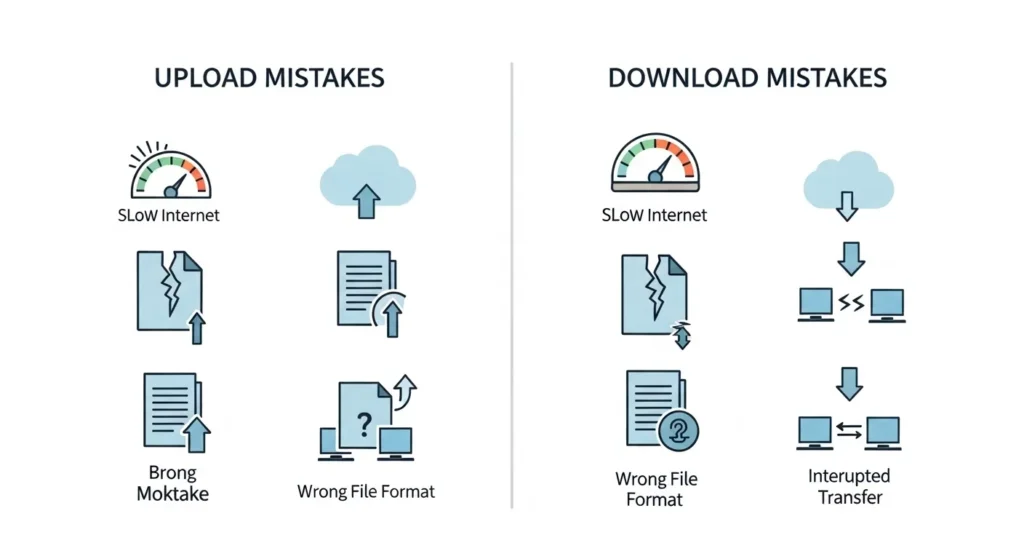
- Thinking both are same
Fix: Remember direction matters. - Ignoring upload speed
Fix: Important for video calls & streaming. - Confusing cloud sync
Fix: Sync includes both upload or download. - Assuming fast internet = fast upload
Fix: Check upload speed separately.
🟢Real Life Examples with Upload and Download
- Personal Use: Upload photos to Instagram, download WhatsApp images
- Business Use: Upload reports to cloud, download client files
- Content Creators: Upload videos to YouTube, users download while streaming
- Gaming: Upload player data, download game updates
- Education: Upload assignments, download lectures
🟢 When to Use Each
- Use upload when you want to share or store files
- Use download when you want to access or view content
👉 Simple rule:
Sharing = Upload | Viewing = Download
🟢 Why People Get Confused in Upload and Download
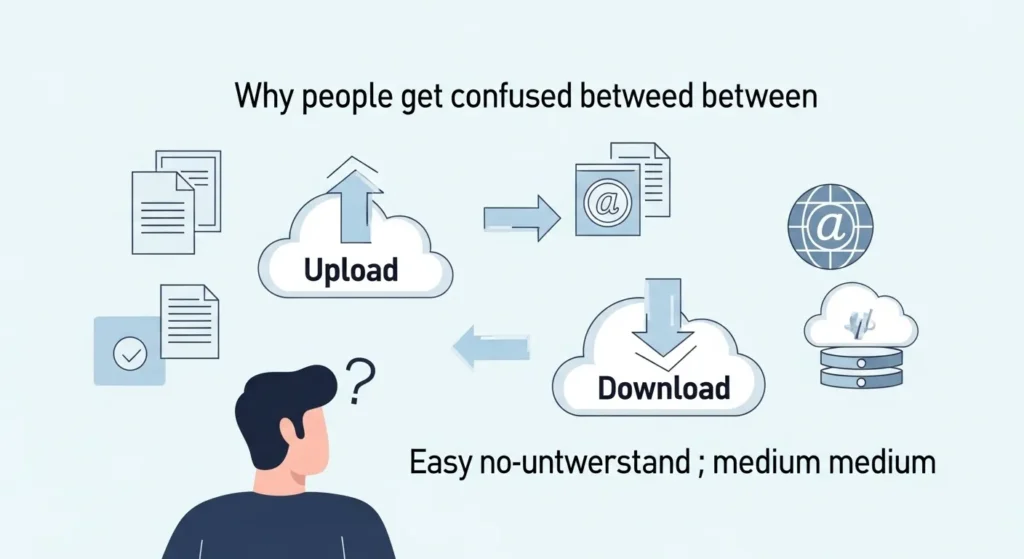
- Both involve internet
- Same apps use both functions
- No clear direction awareness
- Terms sound technical
Many beginners think they are the same but direction changes everything.
🟢 How Search Engines Understand Upload and Download
Platforms like Google analyze user intent:
- Searching “watch video” → download activity
- Searching “post video” → upload activity
Search engines optimize results based on behavior:
- High download demand → faster content delivery
- Upload tools → creator-focused features
This is why platforms like YouTube prioritize streaming (download experience).
🟢 Expert Insight
In practical use, upload speed becomes critical for professionals like video editors, developers, and live streamers. While most casual users focus only on download speed, experts always check both.
From an industry perspective, cloud computing, remote work, and content creation have increased the importance of upload speed significantly in 2026.
🟢 FAQs
1. What is the main difference between upload and download?
Upload sends data; download receives data.
2. Which is faster, upload or download?
Download is usually faster.
3. Is streaming upload or download?
Streaming is mostly download.
4. Why is upload speed important?
For video calls, backups, and content creation.
5. Does WhatsApp use upload and download?
Yes, sending = upload, receiving = download.
6. Can upload speed affect gaming?
Yes, especially in multiplayer games.
7. What is a good upload speed?
At least 5–20 Mbps for normal use.
8. Why do ISPs give lower upload speed?
Because users download more than upload.
🟢 Conclusion
The difference between upload and download comes down to one simple idea: direction of data. Upload sends information from your device to the internet, while download brings information from the internet to your device.
Understanding the difference between upload and download helps you make better decisions whether you’re choosing an internet plan, using apps like Instagram and YouTube, or managing files in cloud storage.
In real-world usage, both are equally important. Download supports your daily browsing and entertainment, while upload powers sharing, backups, and communication.
Once you understand this concept clearly, you won’t confuse these terms again and you’ll use the internet more efficiently.
Read more about!
Difference Between Homozygous and Heterozygous: Simple Guide