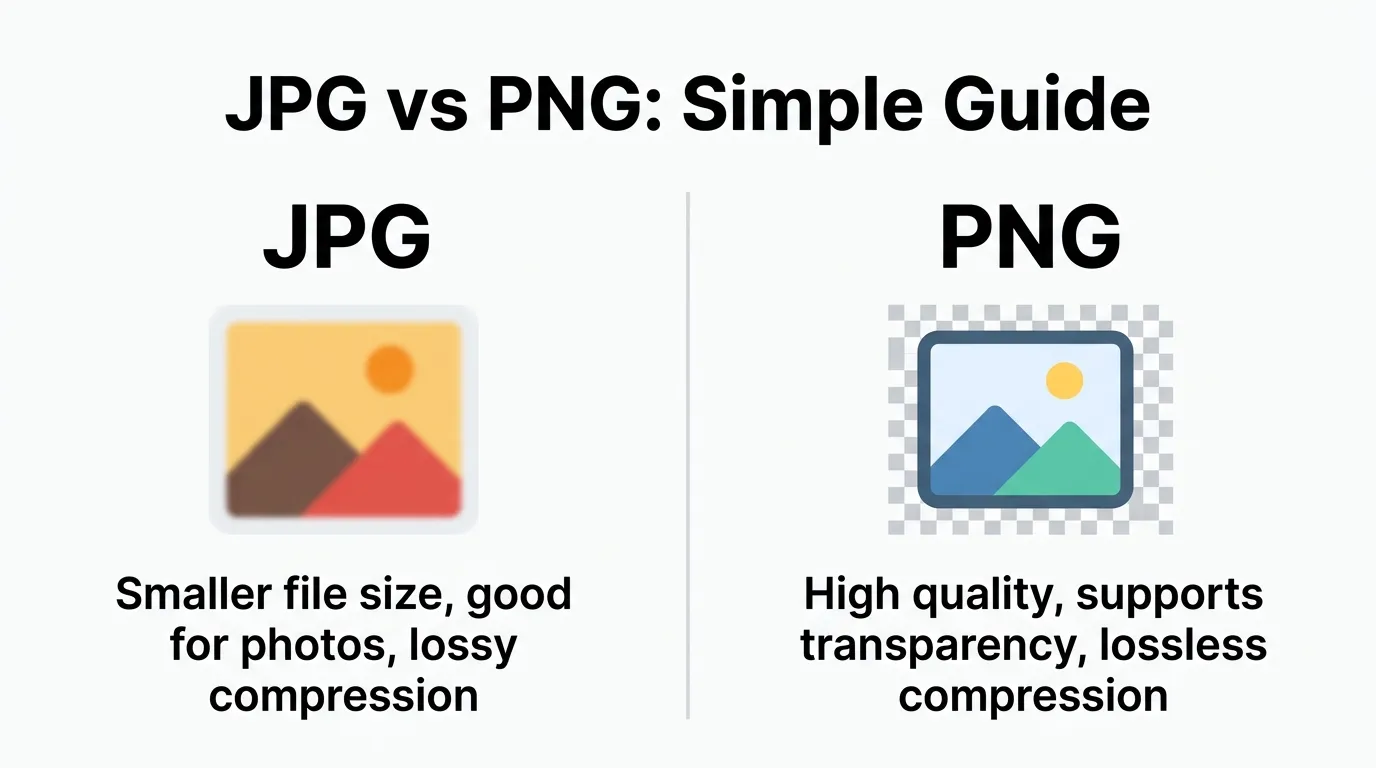
JPG is smaller and better for photos 🖼️ while PNG is high-quality and supports transparency 🧊
Many users get confused about the difference between JPG and PNG when saving images, uploading photos, or designing graphics. You click “Save As,” see both options and suddenly you’re stuck.
Here’s the simple truth: the difference between JPG and PNG is mainly about image quality, compression, and transparency. JPG is best for smaller file sizes and photos, while PNG keeps high quality and supports transparent backgrounds.
People search this because choosing the wrong format can ruin image quality, slow down websites, or break designs. In this guide, you’ll learn exactly what JPG and PNG are, how they work, and when to use each so you never guess again.
Difference Between JPG and PNG
JPG uses compression to reduce file size but may lose quality.
PNG keeps full quality and supports transparency but has larger file sizes.
👉 Example:
- A photo on Instagram → JPG
- A logo with transparent background → PNG
Definition of Difference Between JPG and PNG
- JPG (JPEG): A compressed image format that reduces file size by losing some data (lossy compression).
- PNG: A high-quality image format that preserves all data and supports transparency (lossless compression).
Pronunciation
- JPG (JPEG): /ˈdʒeɪ.pɛɡ/ (jay-peg)
- PNG: /ˌpiː.ɛnˈdʒiː/ (pee-en-gee)
Now let’s go deeper and understand how these formats actually behave in real-world use.
JPG vs PNG: Comparison
| Feature | JPG (JPEG) | PNG |
| Compression | Lossy | Lossless |
| File Size | Smaller | Larger |
| Image Quality | Slightly reduced | High quality |
| Transparency | Not supported | Supported |
| Best For | Photos | Graphics, logos |
| Editing | Quality drops with edits | No quality loss |
| Web Usage | Faster loading | Better visuals |
| Color Depth | 16 million colors | Supports richer detail |
Key Differences Explained Between Difference Between JPG and PNG
1. Compression Type
JPG compresses images by removing data. PNG keeps everything.
👉 Example: JPG reduces size for faster uploads, PNG keeps sharp edges.
2. Image Quality
PNG maintains full quality. JPG loses some detail.
👉 Noticeable in text-heavy images.
3. File Size
JPG files are smaller. PNG files are larger.
👉 Important for website speed.
4. Transparency Support
PNG allows transparent backgrounds. JPG doesn’t.
👉 Essential for logos and design work.
5. Editing Flexibility
Editing JPG repeatedly reduces quality. PNG stays consistent.
6. Use Case Focus
JPG = photos
PNG = graphics
What Is JPG and How Does It Work?
JPG (Joint Photographic Experts Group) compresses images by removing less noticeable details.
👉 In real scenarios:
- Social media photos
- Website images
- Email attachments
Platforms like Meta and Instagram prefer JPG because it loads faster and saves bandwidth.
What Is PNG and How Does It Work?
PNG (Portable Network Graphics) keeps all image data intact.
👉 In practical use:
- Logos
- Icons
- Screenshots
- UI elements
It also supports transparency, which is critical for design.
Why the Difference Between JPG and PNG Matters
Choosing the wrong format can:
- Slow down your website
- Reduce image quality
- Break design layouts
Search engines like Google consider page speed and image quality in ranking.
👉 So yes, image format affects too.
Difference Between JPG and PNG in Web Design
- JPG → faster loading, better for photos
- PNG → sharper visuals, better for UI
👉 Designers often mix both for balance.
Difference Between JPG and PNG
Google evaluates:
- Page load speed
- Image optimization
- User experience
👉 JPG helps speed, PNG helps clarity.
Difference Between JPG and PNG in Social Media
Platforms like YouTube and Instagram compress images anyway.
👉 Tip:
- Upload JPG for photos
- Use PNG for graphics or text overlays
Difference and Similarity: Difference Between JPG and PNG
| Feature | JPG | PNG | Similarity |
| Purpose | Store images | Store images | Both are image formats |
| Compression | Lossy | Lossless | Reduce file size |
| Quality | Lower | Higher | Display visuals |
| Transparency | No | Yes | Used in design |
| Usage | Photos | Graphics | Used online |
| Editing | Degrades | Stable | Editable formats |
Common Mistakes with Difference Between JPG and PNG
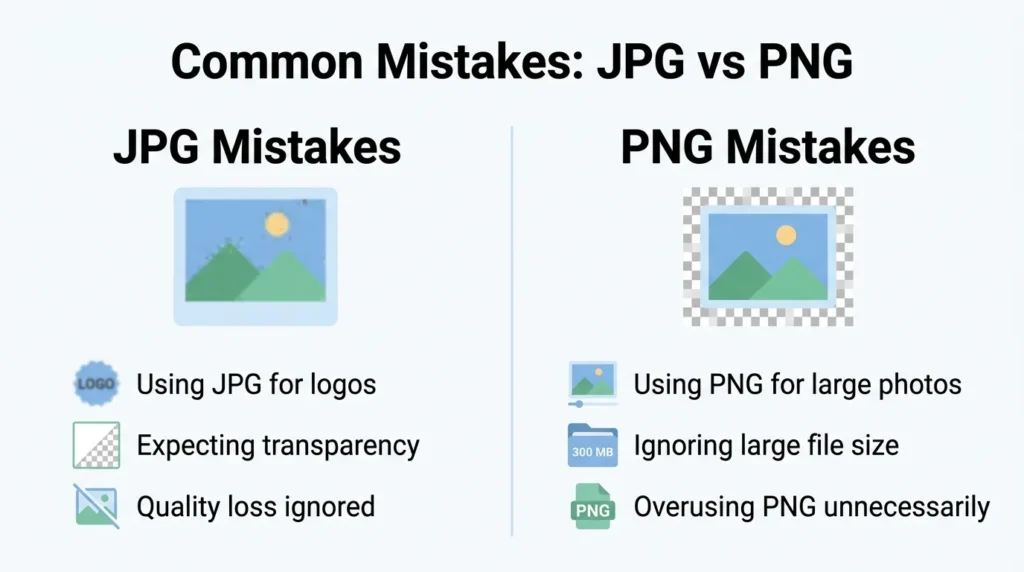
- Using JPG for logos
👉 Fix: Use PNG for transparency - Using PNG for large photos
👉 Fix: Use JPG to save space - Ignoring file size
👉 Fix: Optimize images - Re-editing JPG multiple times
👉 Fix: Use PNG for editing
Real Life Examples with Difference Between JPG and PNG
- Personal Use:
Vacation photo → JPG - Business Use:
Brand logo → PNG - Web Design:
Website banners → JPG
Icons → PNG - Content Creation:
Thumbnails on YouTube → often JPG
When to Use Each
Use JPG when:
- You need smaller file size
- You’re working with photos
Use PNG when:
- You need high quality
- You need transparency
- You’re designing graphics
Why People Get Confused in Difference Between JPG and PNG
- Both are image formats
- Similar appearance at first glance
- Lack of technical knowledge
- Software doesn’t explain clearly
👉 Many beginners only notice differences after mistakes happen.
How Search Engines Understand Difference Between JPG and PNG
Search systems like Google treat this as a technical comparison query.
They prioritize:
✔ clear explanations
✔ real examples
✔ practical guidance
Expert Insight
From a professional design and perspective:
- JPG is about efficiency
- PNG is about quality and precision
In real-world workflows:
- Designers start with PNG
- Export final images as JPG for web performance
Balancing both is key to optimal results.
FAQs
1. What is the main difference between JPG and PNG?
JPG compresses images; PNG preserves quality.
2. Which is better: JPG or PNG?
Depends on use JPG for photos, PNG for graphics.
3. Does PNG lose quality?
No, it uses lossless compression.
4. Why is JPG smaller?
It removes some image data.
5. Can JPG have transparent background?
No, only PNG supports transparency.
6. Which is better for websites?
Use JPG for speed, PNG for quality elements.
Conclusion
The difference between JPG and PNG comes down to one key trade-off: size vs quality. JPG gives you smaller files and faster loading, while PNG gives you better quality and transparency.
In real-world use, there’s no “best” format only the right one for the job. Photos, social media uploads, and large images? Go with JPG. Logos, graphics, and anything needing transparency? Choose PNG.
Once you understand this difference clearly, you’ll make smarter decisions for design,, and everyday use without second-guessing.
Read more about!
Difference Between Fahrenheit and Celsius: Simple Guide

I am Logan Brooks, a U.S.-based comparison writer and research-focused content creator. I specialize in explaining the differences between similar concepts in a clear and straightforward way. My content covers a wide range of topics, including science, technology, finance, language, and everyday life.
I enjoy turning complex information into simple comparisons that are quick and easy to understand. My goal is to help readers save time by highlighting the key differences in a clean and easy-to-read format. I believe that learning should be simple, practical, and accessible for everyone.